The Locusts Manor Controls
Slide is the skill. Everything else is a button.
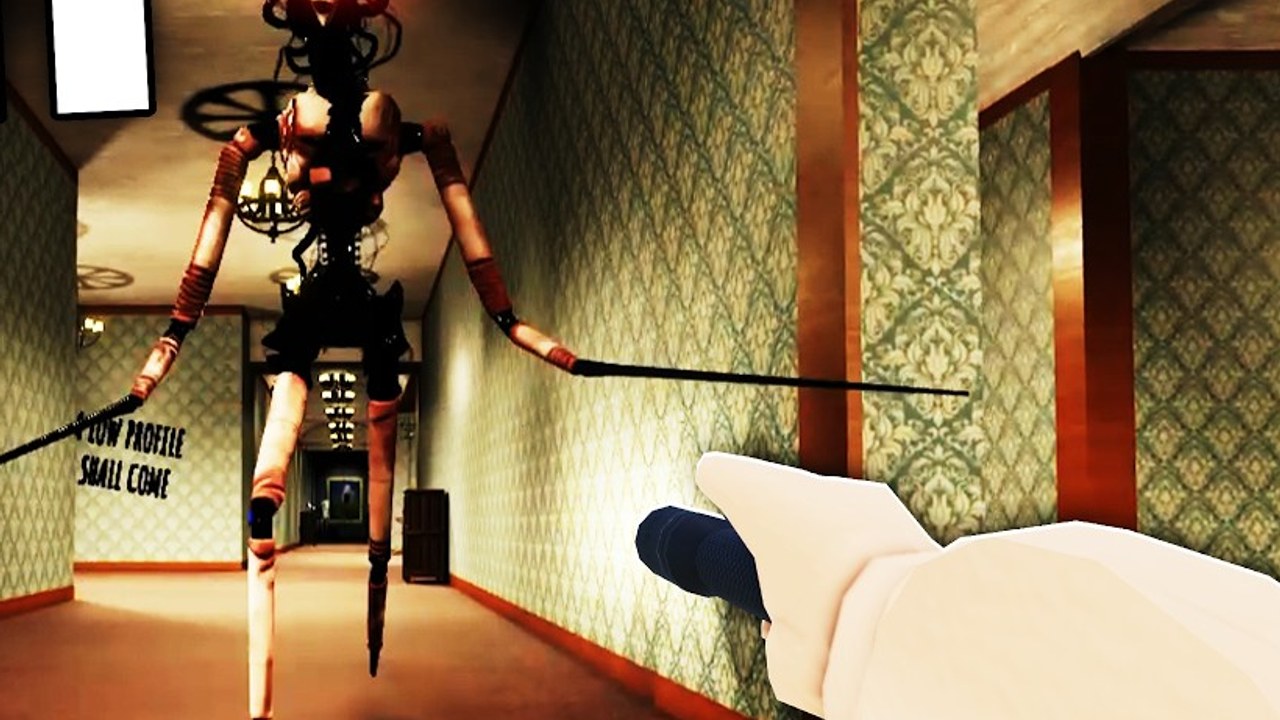
House of The Locust uses a small Roblox movement kit and then builds the nest around it. If you treat WASD like a walking sim, The Locust will eat you in a straight hallway. If you treat slide like a combat roll, you will start surviving long enough to finish the escape walkthrough. This page is the bind table plus the movement rules. Parent: tools hub.
PC binds
| Action | Default |
|---|---|
| Move | W A S D |
| Jump | Space |
| Sprint | Left Shift |
| Crouch | C |
| Slide | C while sprinting |
| Interact / Search / Cancel | E or the on-screen prompt |
Shift is sprint, not a dedicated slide key. Slide is a combination: be in a sprint, then crouch. If you tap C standing still, you only crouch, which is useful for quiet corners and useless for breaking a chase.
Interact is whatever Roblox assigned to the proximity prompt. Search cabinets, pull the Wirecutters rope, use EXIT panels, grab the Keycard. Cancel is the same prompt dismissed early. Empty cabinet animations are a tax; Cancel them. That habit is A-tier on the tier list.
Mobile and console
On touch, jump and crouch sit on the right cluster. Sprint is usually a thumb stick click or a separate button depending on your Roblox movement mode. Practice slide in Free Roam until you can hit it without looking at the buttons. If your thumb covers the Search prompt, you will die in cabinets. Move the camera so prompts sit high.
Controller: left stick move, A/cross jump, click stick or L3 sprint if enabled, the face button Roblox mapped to crouch. If slide will not fire, you are not sprinting first. Console players should not learn the nest in a 50-person chaos lobby.
Movement rules that match the map
The nest is built for short walls, rugs, and doorframes:
- Sprint crosses rugs. It does not win a footrace against The Locust in a long hall.
- Jump clears one-cube-high wooden walls. Some of those walls hide cube paths. See cube puzzle.
- Crouch is stealth and prompt safety. Crouch-walking into a Keycard prompt is how you do not lunge into the hitbox.
- Slide is the juke. Sprint, C, turn through a door, let the hunter commit into the frame. That loop is the Keycard window.
Do not slide for style in an open chandelier room with no geometry. You will travel in a straight line that the hunter also travels.
Audio is a control
Volume is part of the kit. Footsteps and breathing are radar. Mute is a self-nerf, especially on Lights Out from Boiled One. Keyboard skill does not replace headphones.
Practice order
- Free Roam: only slide until it is boring.
- Free Roam: pin The Locust in a door without grabbing.
- Real round: pads with empty hands first, then one cube.
- Real round: Cancel-empty cabinets.
- Real round: Keycard pin.
How to Play is the prose version of that order. This page is the binds. Together they replace a “controls?” comment on every YouTube upload.
If a patch remaps crouch, believe the in-game hint over this table and then come back when we have re-verified. Pre-alpha does remap things. The verbs (sprint, crouch, slide, jump, prompt) stay even if the keys move.
Do not bind four executor keys on top of C. If you use a script GUI, put it on Right Shift or Left Ctrl as the hub default, not on your slide.
Frequently Asked Questions
Quick answers for The Locusts Manor on Roblox.
How do I slide?
Sprint with Left Shift, then press C. Crouch alone is not a slide.
Can I outrun The Locust?
Not in a straight hall. Break line of sight and slide into geometry. See The Locust.
What is the interact key?
The proximity prompt, usually E on PC. Cancel empty cabinets with the same prompt.
Should I learn this in a full server?
No. Use Free Roam, then a small stack. Co-op roles if you have friends.